Sketch: Web App Systems
Making the browser feel like Sketch on the Mac, then keeping the web app from collapsing under its own bundle.
Take a native macOS editor and make the browser feel like the same product. Not a viewer. The actual place you inspect, comment, and share.
I worked on the UI around the canvas, the Prism design system, Dark Mode, and the split into microfrontends when the main bundle got too heavy to be proud of.
Canvas View
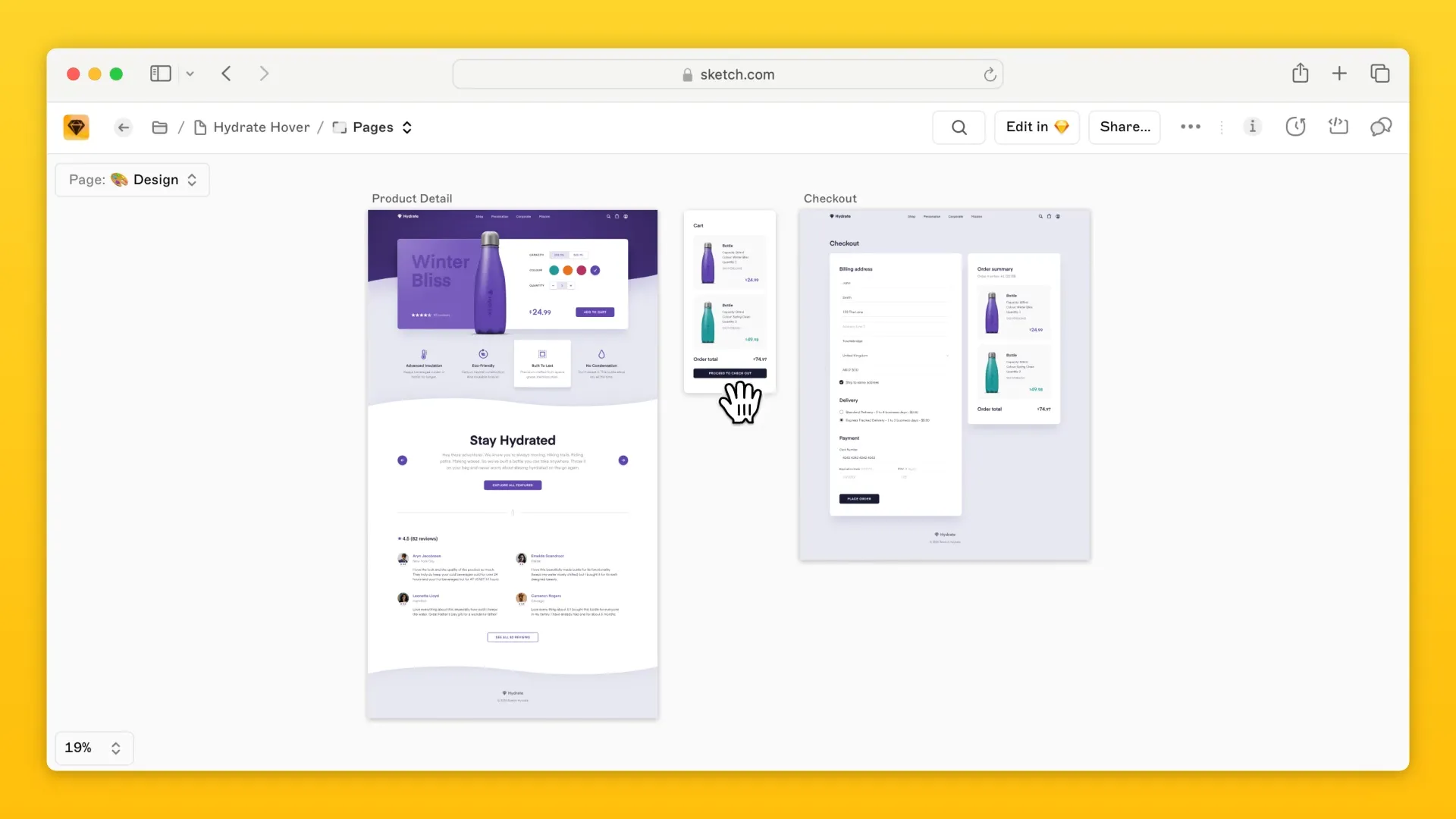
This wasn’t an image viewer. It was an infinite canvas that rendered Sketch documents in the browser.
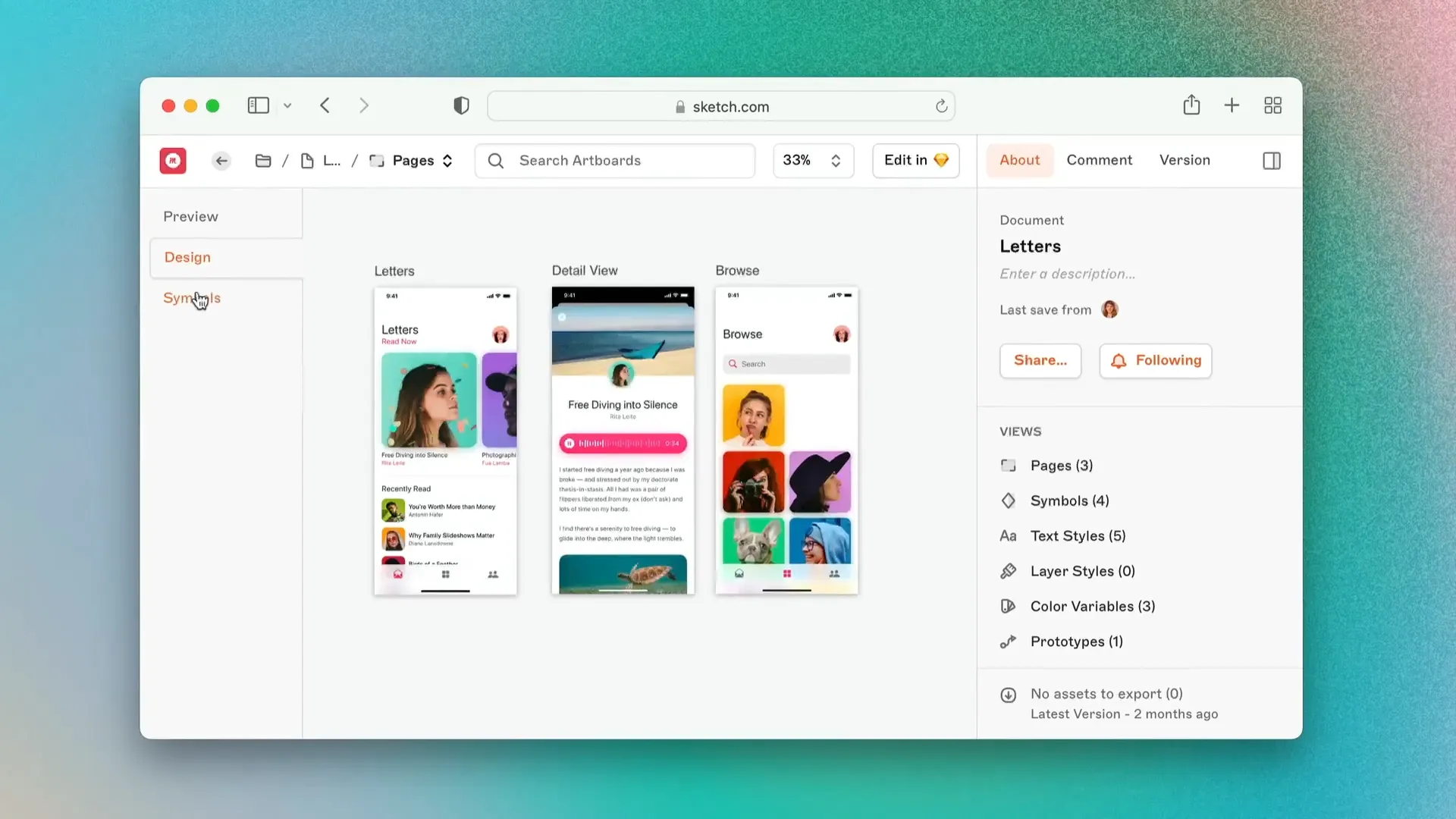
The rendering engine did the heavy lifting of displaying the artboards. I built the UI systems around it:
- The Sidebar for page navigation.
- The About Tab for document metadata.
- The Comments and Version History overlays.
What started as a static viewer became interactive. We enabled Inspect on the canvas, so developers could click an element and get snippets, and added prototyping interactions in the browser UI 1.
Microfrontends
As the web app grew, so did the bundle. The main app was a heavy JavaScript payload. Fine on a desktop with fiber. Not the product we wanted to ship.
We split the application into microfrontends. That meant a hierarchy of six distinct layers for packages.
- Refactoring: We removed circular dependencies so microfrontends could not import each other.
- Tooling: Custom checks so one microfrontend didn’t accidentally pull heavy packages from another.
- Performance: Web Workers to cache assets in the background, which smoothed loading.
Prism and the v100 facelift
In 2019 the UI needed a refresh. I helped implement the new design system, Prism. In two months we ported 80% of the components.
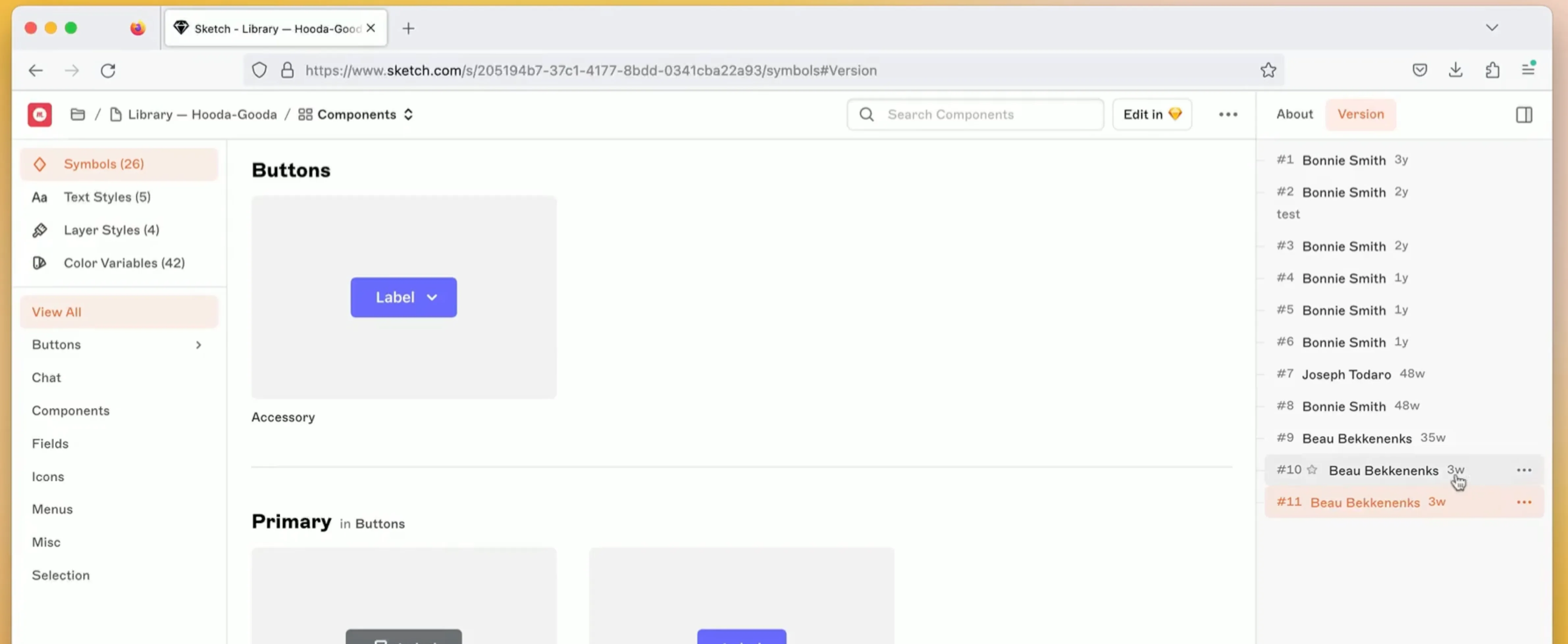
That work became the Web App Facelift that shipped with Version 100. Canvas, notifications, files, documents — closer to the Mac app, with less chrome in the way of the content 2.
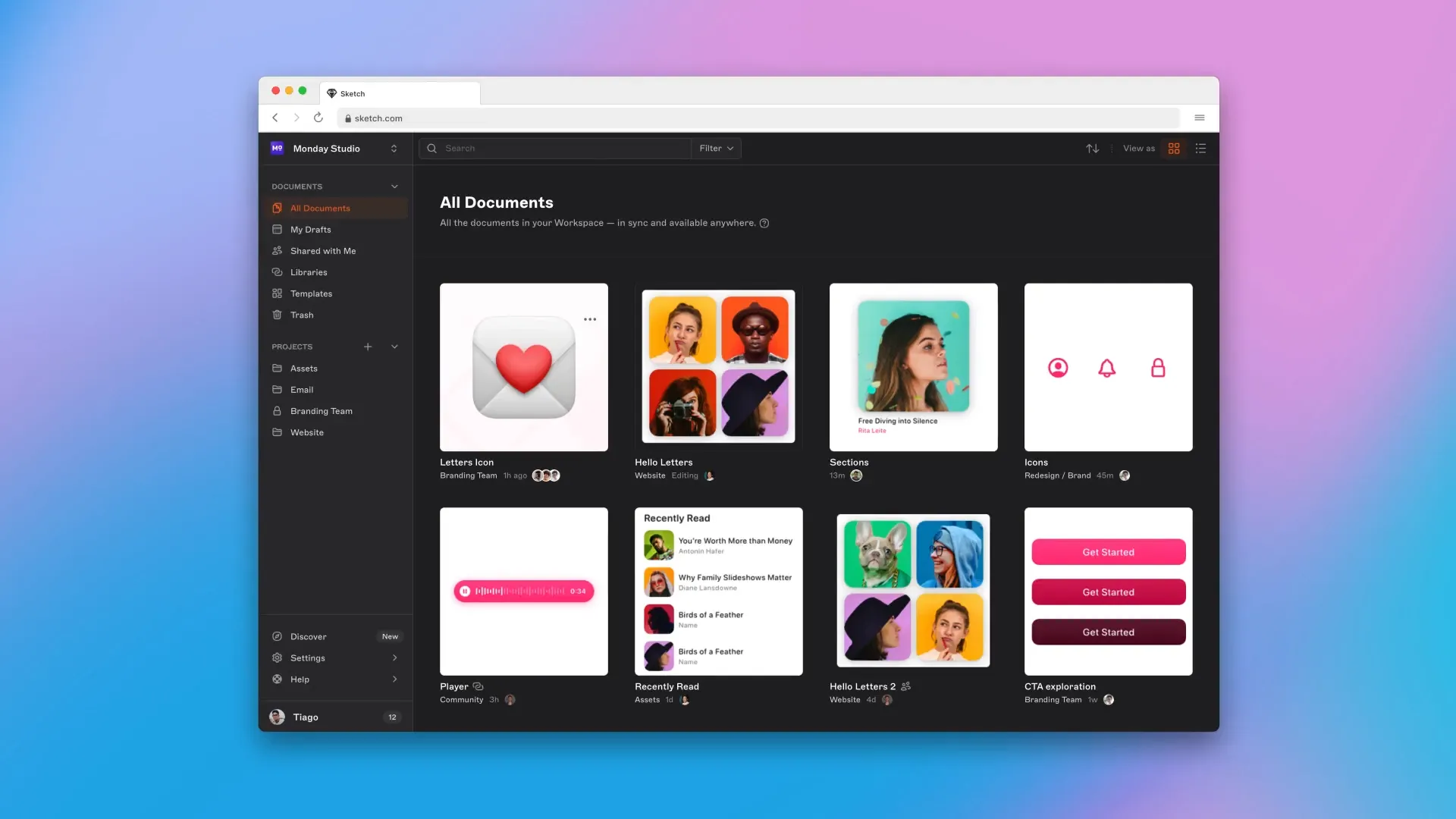
I led Dark Mode for the web app. Not an inversion: a theme that had to match native macOS at night 3.
Color tokens
I also worked on Color Tokens, a bridge between design and engineering.
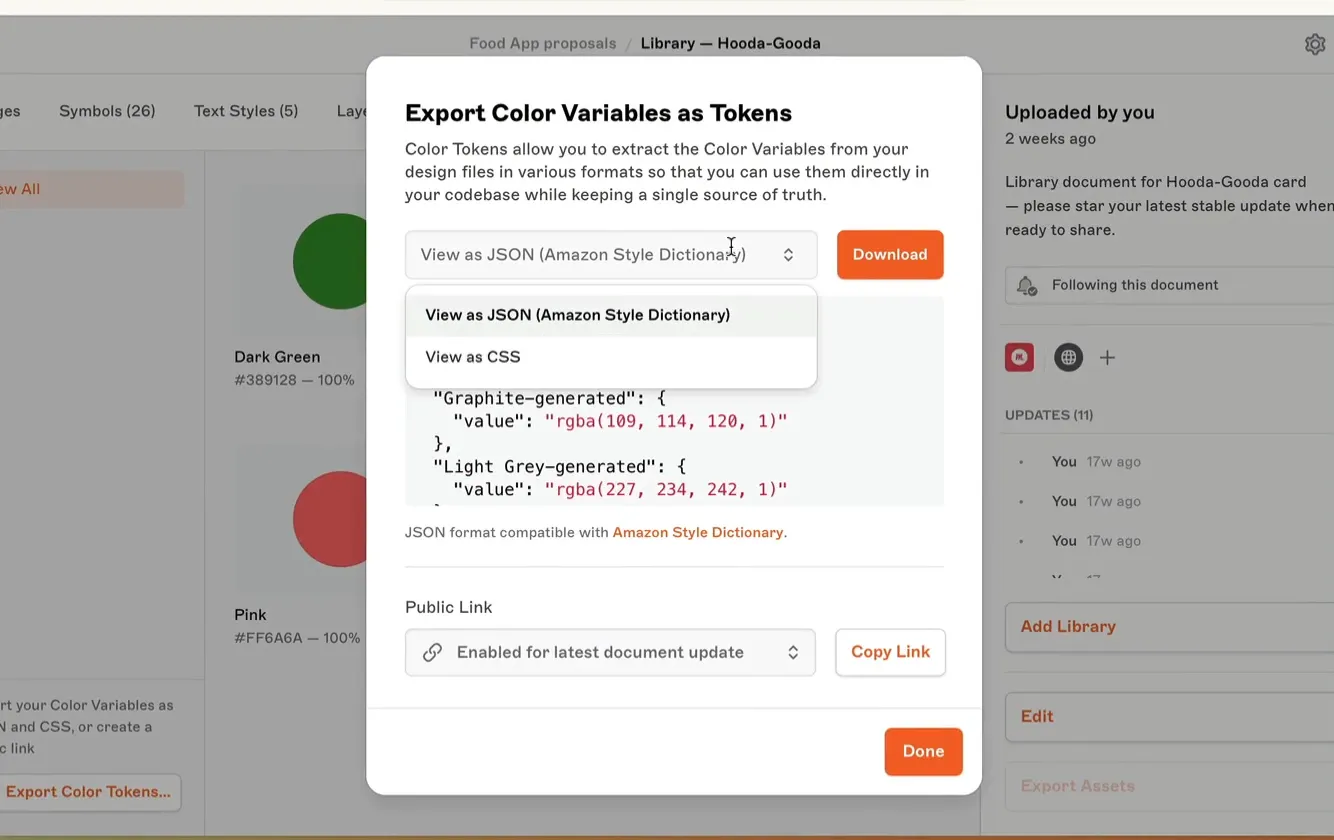
Teams could export a Sketch color palette to JSON and CSS, and wire it into CI. A change in Sketch could land on iOS, Android, and web without a manual copy step 4.